PRODUCE
Multitrack spots, promos and imaging with templates, buses, fit to time and Broadcast Tools.

 ™
™Studio has everything: PRODUCE for spots, VIDEO for editing and the live switcher, EDIT for fixing the file, RADIO for recording the show, and EXPORT for handing it to air.
Multitrack spots, promos and imaging with templates, buses, fit to time and Broadcast Tools.
The live Video Switcher, plus a video timeline with captions, face tools, titles and 55 transitions.
Fix the audio file itself: effects, spectral repair, a sample-level pencil for clicks.
Record host, guest, utility and bed lanes with hardware controllers.
WideOrbit WAV with SCOT, MP3, batch export, loudness match and syndication.
Mic-only guests from a link, each on their own full-quality track.
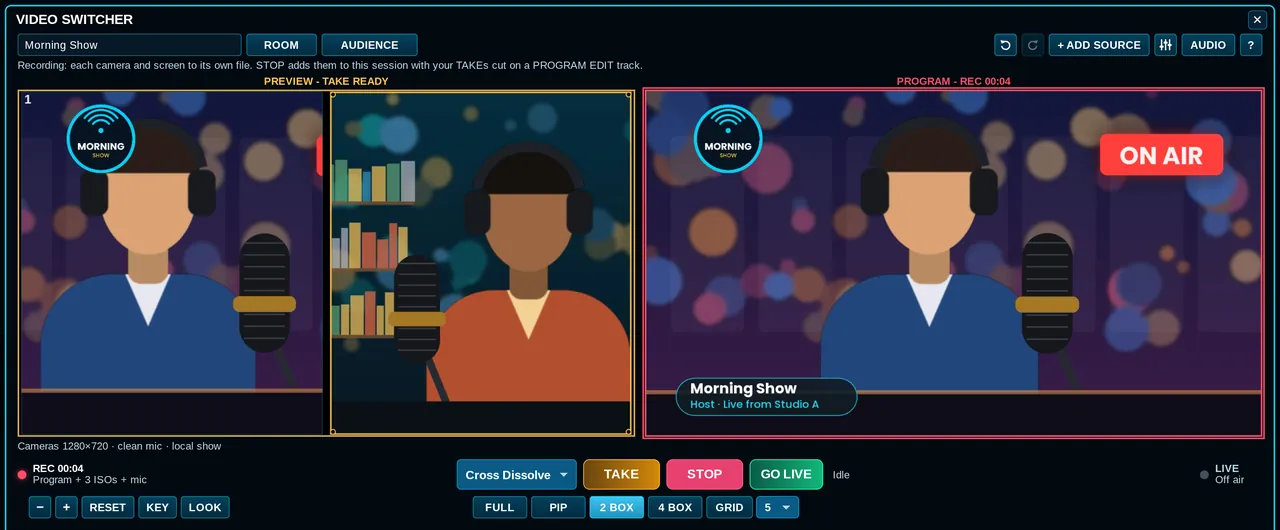
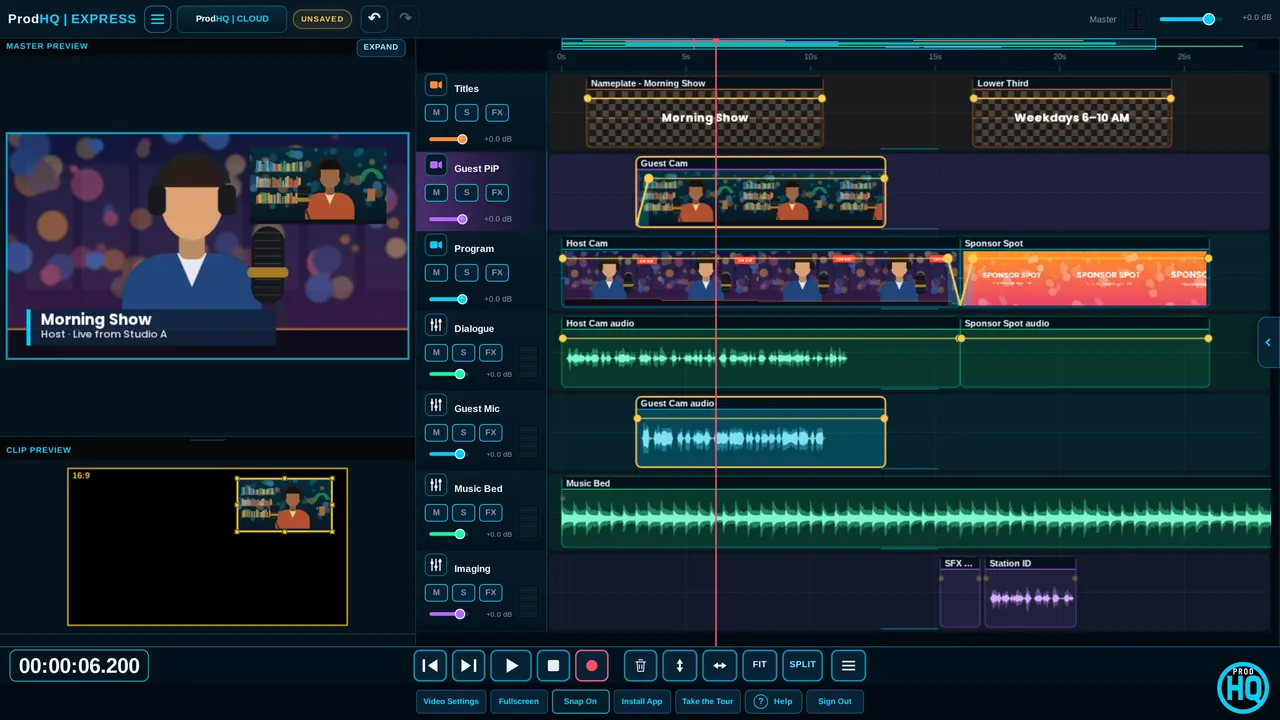
Express and Mobile open the same sessions. Studio is where these live:
Host your 64-bit VST3 effects. LUMEN, ProdHQ's voice plugin, installs with Setup (you can skip it).
MP4 or MOV with audio, or GIF, with the bundled encoder.
Destructive editing with safety copies, spectral repair, and multi-input show recording.
Convert, asset, normalize, ready check, batch and syndication.
RODECaster, VoxPro and Stream Deck profiles.
Transport loop and bookmark creation.
Windows 10 or 11, 64-bit, an audio output, and an input for recording. The smallest supported layout is 1104 × 629, so it works on a 13-inch laptop.
Create a ProdHQ account, open My Account and download Studio for Windows. Setup can include LUMEN (on by default). After install, sign in or start a demo.
Studio is the full Windows desk with VST3 plugins, EDIT, RADIO, EXPORT and H.264 video. Express runs in Chrome or Edge with no install and opens the same sessions, including the live switcher.
Studio is Windows only. On a Mac, use Express in Chrome or Edge.
Create an account and start Demo Mode: three 30-minute sessions with every editing tool on. Subscribe when you're ready to export and go live.