Guest and viewer links
Guests join on camera from their browser. Viewer links let a producer or client watch Program without being on camera.

 ™
™Stage the next shot on Preview, press TAKE, and it's on Program. Bring guests in from a link, add your logo and nameplates, run a countdown, then record the show or stream it live. In Studio on Windows, or in Chrome or Edge with Express.
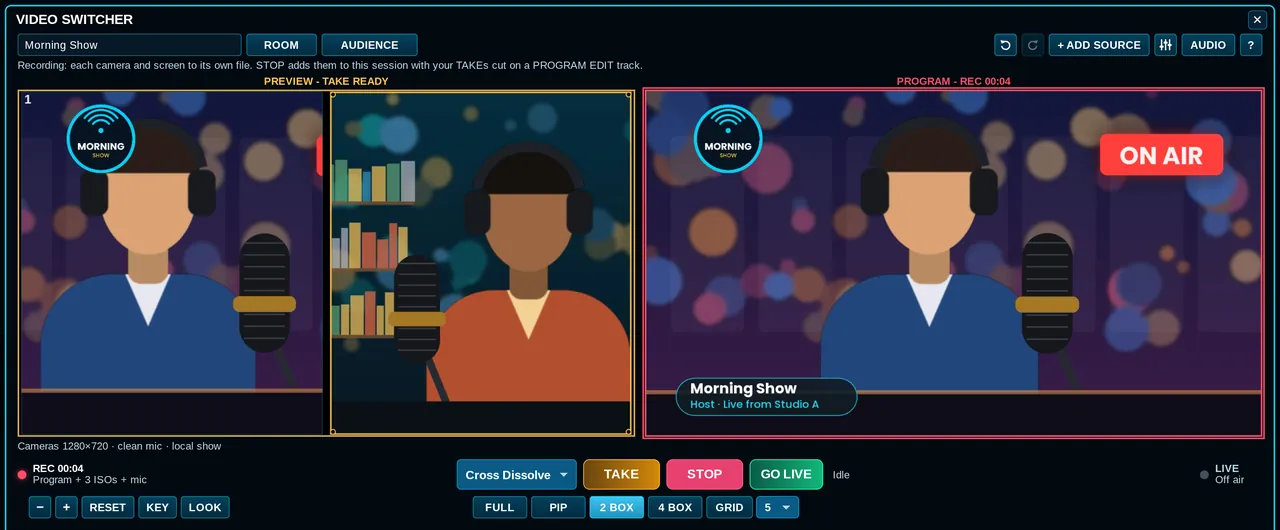
Guests join on camera from their browser. Viewer links let a producer or client watch Program without being on camera.
Guests wait in the lobby. Admit them to backstage, check their shot and sound, then put them on Preview.
Guests hear you and each other, never themselves. Tell ProdHQ if you're on speakers and it cancels the echo.
In Express rooms, each guest is also recorded on their own computer in full quality and swapped in after the show.
Share a screen or a window as a source, next to your cameras.
Guests and viewers only need a browser. Hosting runs in Studio, or Express on a desktop.
 Countdown pre-roll
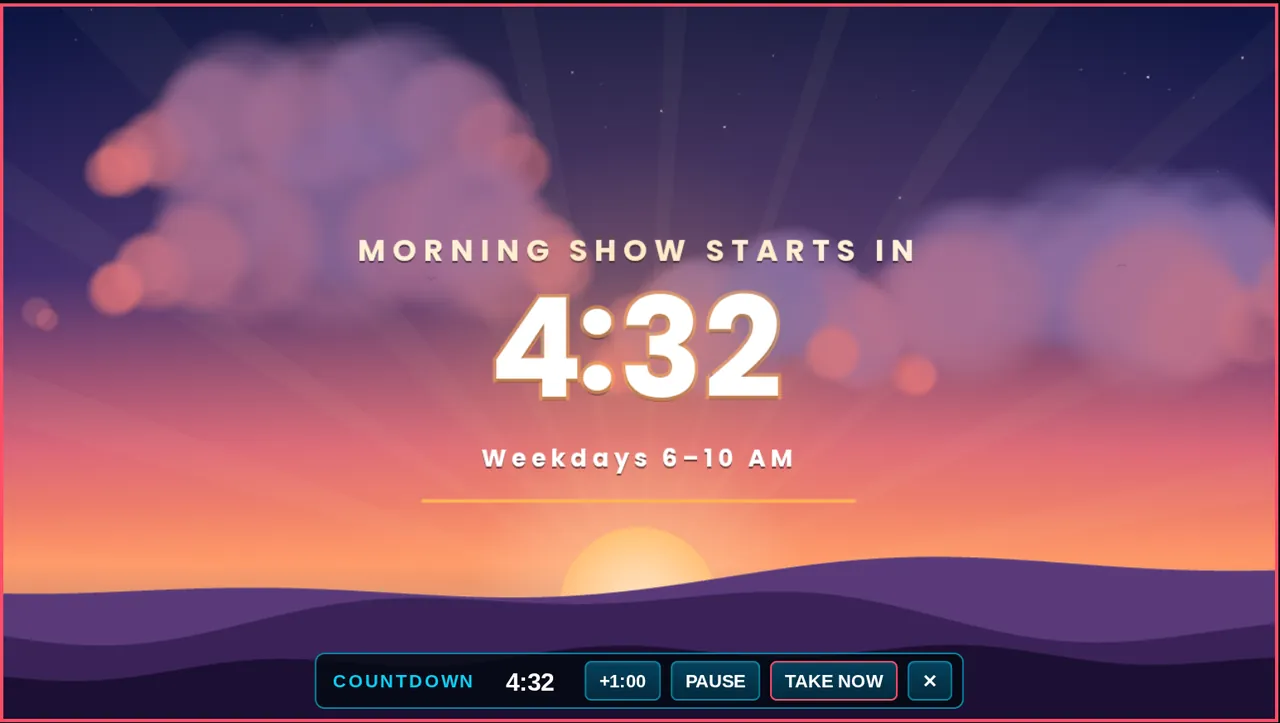
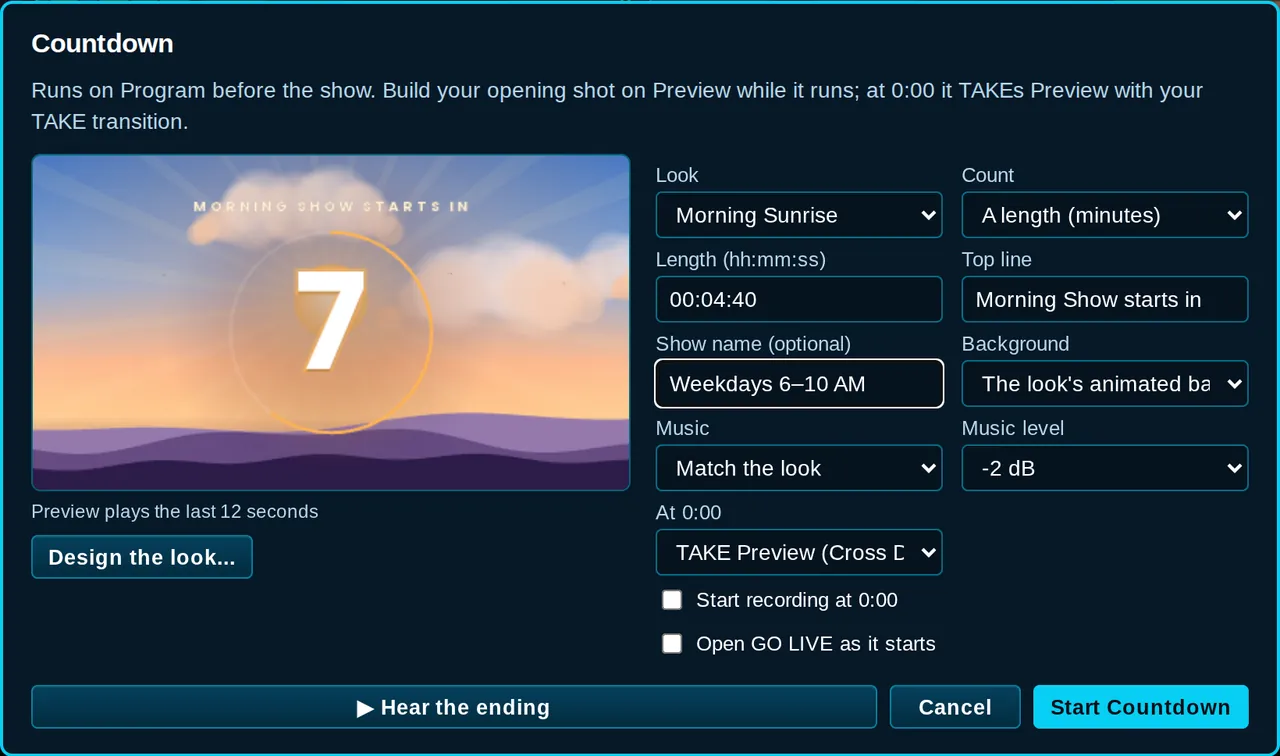
Build your opening shot on Preview while the countdown plays on Program. At 0:00 it takes Preview for you, with your transition.
 Your look
Drag the clock where you want it, resize it, pick one color for the clock, and choose the look's music, your own track or none.
Add them as sources, stage them on Preview, and they go out on the next TAKE.
When FOLLOW cuts to a guest, their nameplate can slide in by itself: the first time they're on, or every time.
Dissolves, dips, flashes, wipes, shaped wipes and irises, picked to stay smooth while you record and stream.
Play your own stinger video over the switch, like TV.
Cut out a green screen or add a background behind a camera.
Undo layouts and changes while you work (never what's already on air).
Comments from your Twitch and YouTube channels land in one list, next to questions from the watch page.
Put a comment on Preview as a card, then TAKE it on air.
Callers wait in a queue. A light tells you someone's waiting.
Ask a question, show the results live on Program.
Viewers tap ❤️ 😂 👏 🔥 and they float up the side of Program, in the recording and on the stream.
Park the Audience window on another monitor (Studio), or pop it out in Express.
Press RECORD for the finished Program. Every camera and screen is also recorded to its own file, and when you stop, the show lands on your timeline already cut, so you can fix any shot afterward.
Stream to YouTube, Facebook, Twitch or any RTMP address. Express sends to several places at once, and one bad key only affects that one destination.
Good to know: hosting a room and recording need a signed-in ProdHQ account (not Demo Mode). GO LIVE needs an active Suite plan. The Express switcher runs on desktop Chrome or Edge.
No. Use the cameras your computer can see (USB webcams, capture devices, virtual cameras), a screen share, and guests who join from a link.
Open a room and copy the Guest link. They open it in a browser on a phone or laptop, pick their camera and mic, and wait in the lobby until you admit them.
Yes. RECORD writes the finished Program and a separate file for each camera and screen, and puts an already-cut edit on your timeline when you stop.
YouTube, Facebook, Twitch, or any custom RTMP or RTMPS address. Express can stream to several at the same time.
Yes. Express has the same Video Switcher on desktop Chrome or Edge, including rooms, guests, the countdown, the Audience panel and GO LIVE. Studio has it on Windows.
Yes. Add a Countdown source, pick a look and a length (or a clock time), and at 0:00 it takes your opening shot automatically. It can start recording and go live at the same moment.
Create an account and start Demo Mode: three 30-minute sessions with every editing tool on. Subscribe when you're ready to export and go live.