 ™
™ProdHQ Express: the studio in a browser tab.
Open Chrome or Edge and you're in a session. Mix a spot, cut a video clip with captions, or run a live show with guests and stream it. No download, on Windows or Mac.
- No install
- Audio and video sessions
- Live switcher
- Guest rooms
- GO LIVE
- Same sessions as Studio
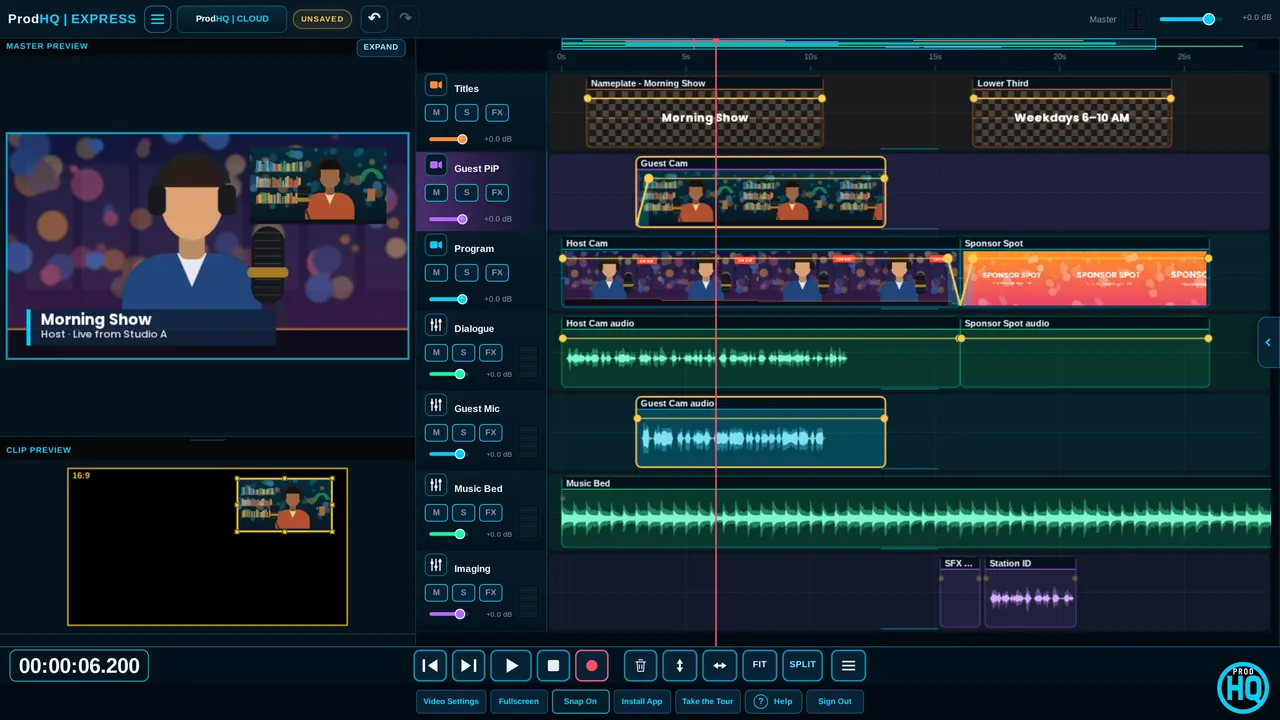
Spots and promos without installing anything.
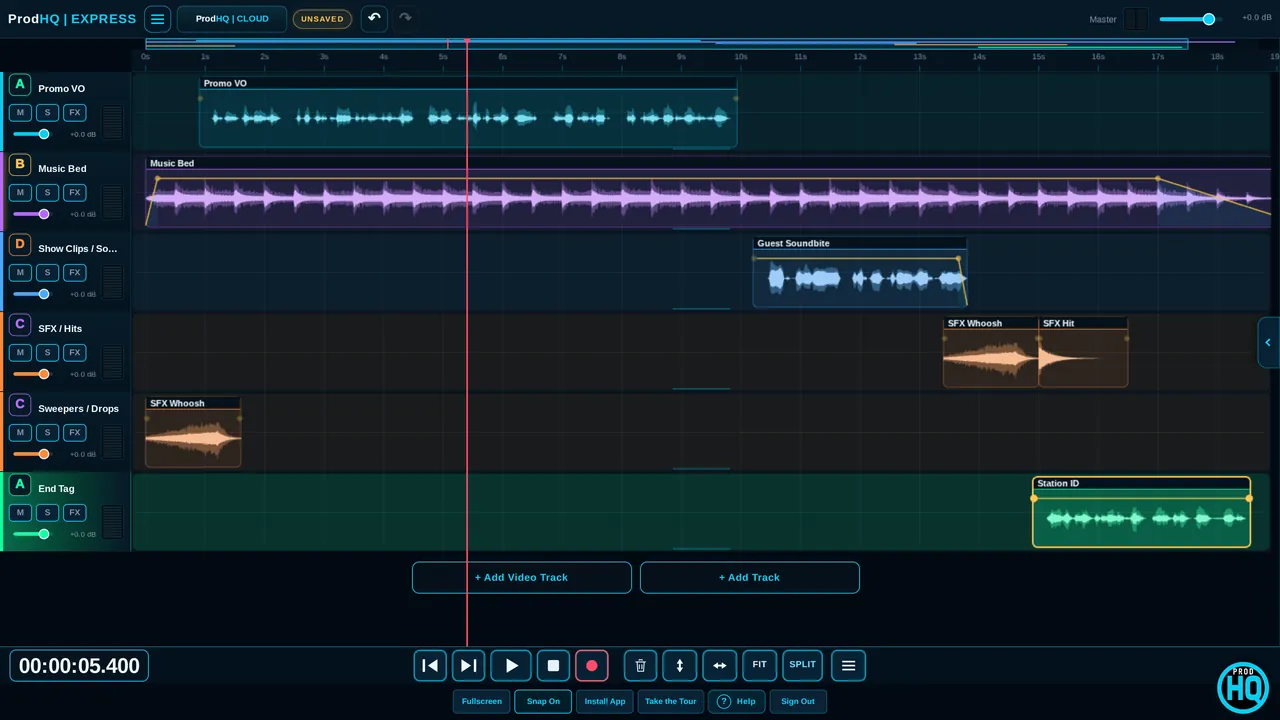
 Audio session
Templates, buses and the same delivery rules.
Start from a template, duck the bed, finish on the master and export WideOrbit WAV with SCOT, or MP3.
- Harmony and 25+ ProdHQ effects play in the browser
- Stretch and fit to time
- MIXER with buses A–D and master
The switcher and the timeline, in the browser.
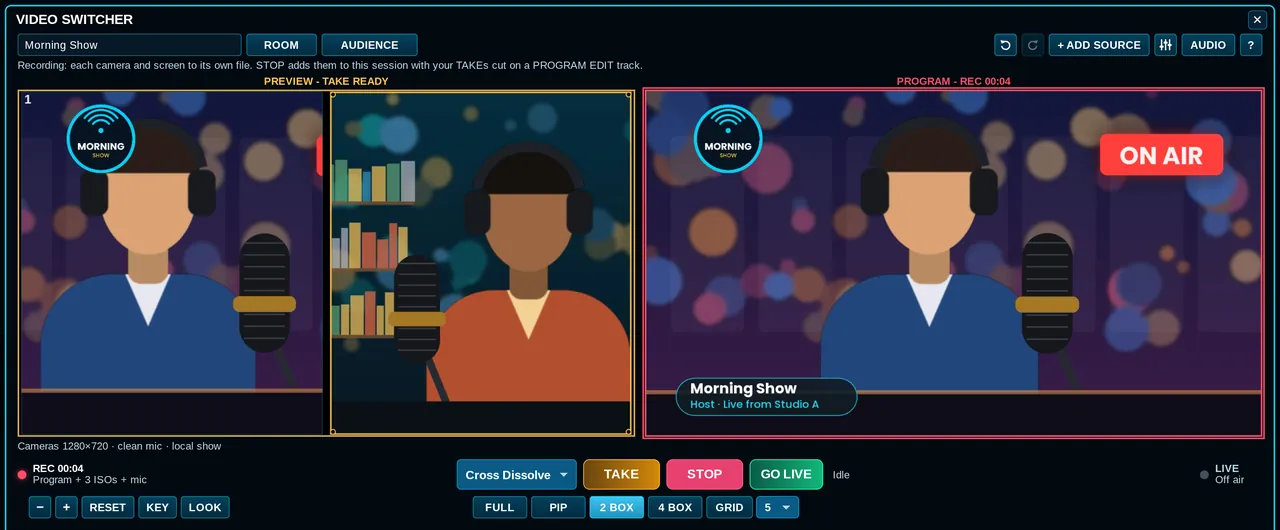
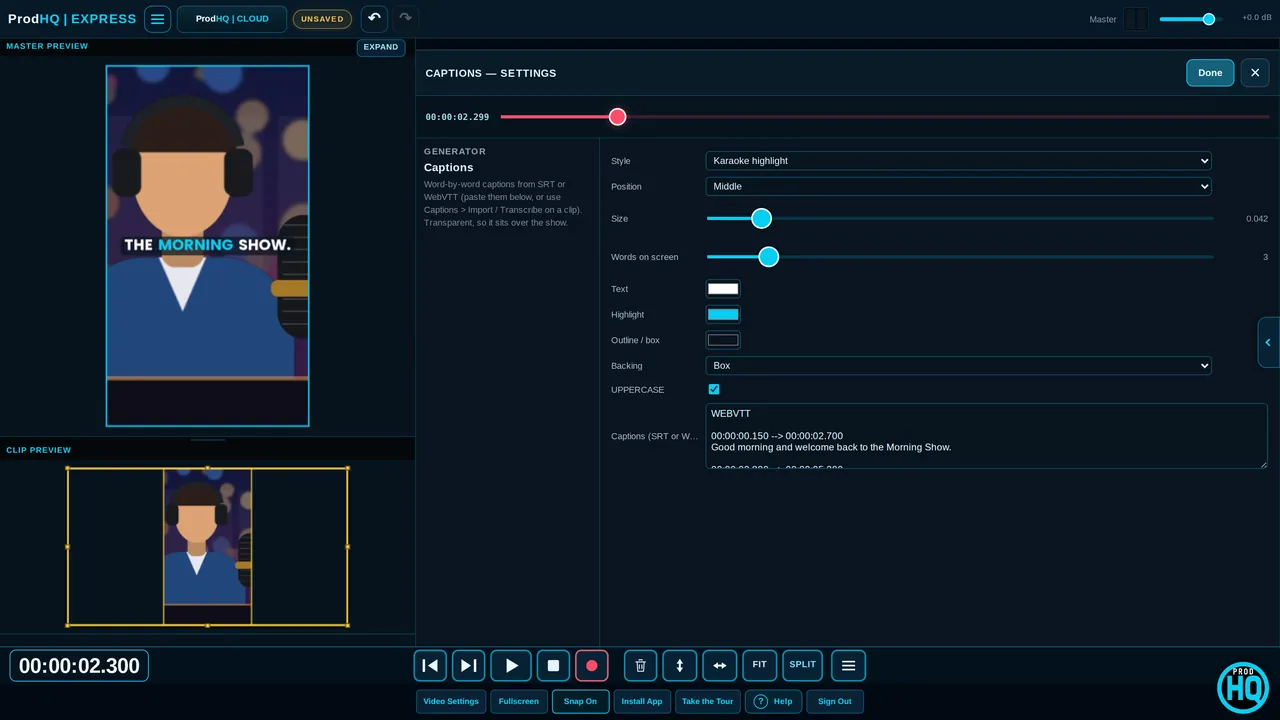
The live switcher needs desktop Chrome or Edge. Phones and tablets open video sessions for editing.
Straight answers.
Do I need to install anything?
No. Express runs in Chrome or Edge. Sign in or start a demo and you're in a session.
Does Express have the live switcher?
Yes, on desktop Chrome or Edge: cameras, screen share, guest and viewer rooms, the countdown, Audience, RECORD and GO LIVE to several destinations at once.
What can't Express do?
VST3 plugins, transport loop, bookmark creation and H.264 export live in Studio. Video exports as WebM, or MP4 when the browser supports it.
Can I open my Studio sessions?
Yes. Sessions move between Studio, Express and Mobile, directly or through ProdHQ Cloud.
Try it on your next show.
Create an account and start Demo Mode: three 30-minute sessions with every editing tool on. Subscribe when you're ready to export and go live.